Reviews In the Age of Automation
Reviews Systems in the Age of Automation
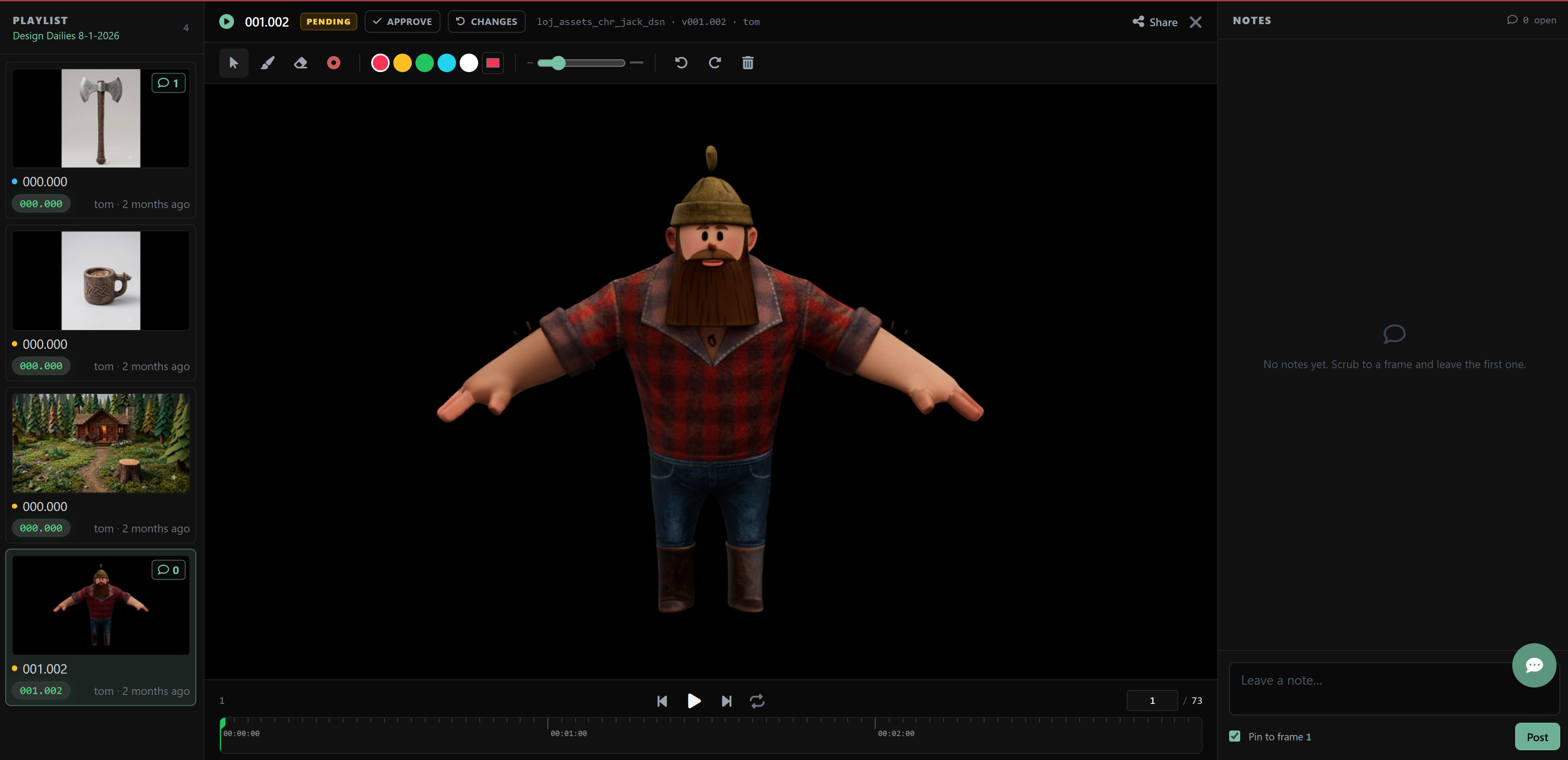
There’s a lot of review systems out there. SyncSketch, Frame.io, Shotgrid/Flow, etc… But as with a lot of things reviews are more than just the actual reviewing. There’s some systems involved if you want to get to the level of “movie manufacturing” where we’re eliminating all the technical chores so artists can submit reviews easily, folks can give comments easily, and we can utilize those comments to speed up the iteration cycle.
Whether you buy or build your own (everyone wants to build their own with AI) this is what you’re review system has to be capable of in the context of movie manufacturing.
- 1 Click Submissions
- Playlists
- View & Playback
- Drawn Notes
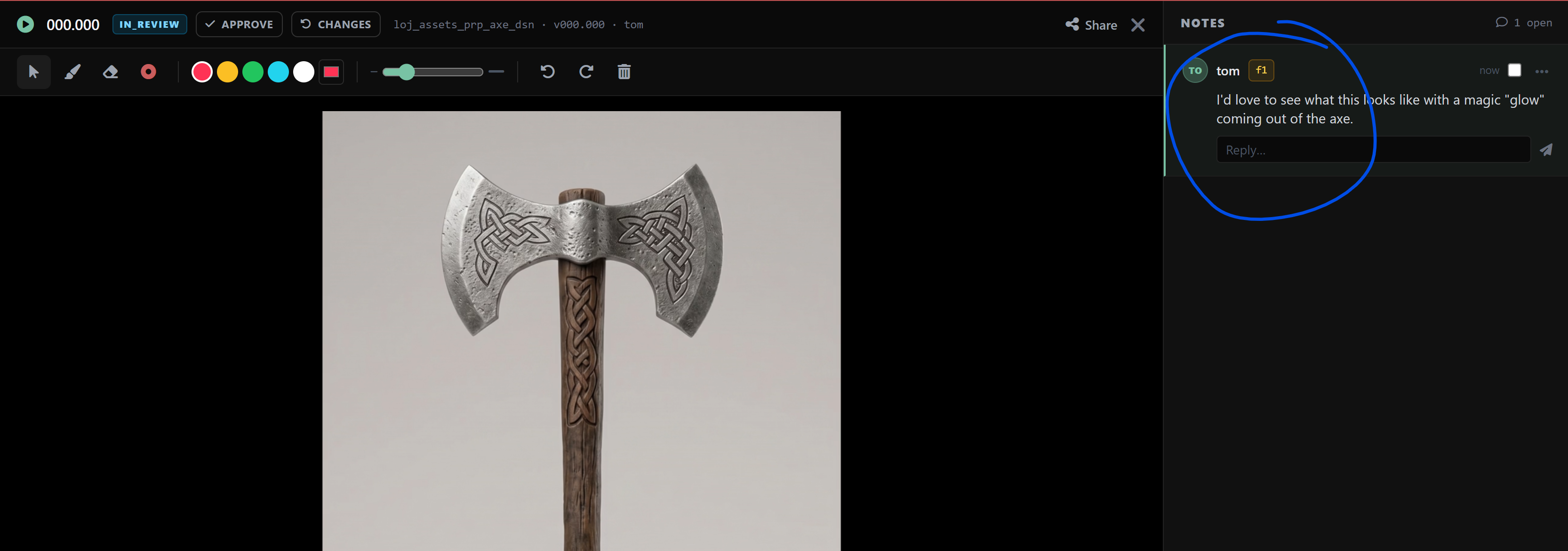
- Written & Tagged Notes
Advanced:
- Notes → TODO List
- TODO tracking system
- TODO farming system
1 Click Submissions
Playlists
Custom Playlists
You should also be able to pick and chose any media you want and drag it to a playlist for a review session.
This is the first type of playlist you’re going to need. You need to show a client, or lead 5 specific items in a playlist? This is how you do it.
Automated Playlists:
I like Volume - I expect volume - everything in movie manufacturing is about creating volume. That said, i like to build automated playlists - if someone submits a review for a design task for example - a design playlist gets created for that day and the designs get added to it. You could just as easily do a weekly playlist if you wanted. The point is the system should be able to create playlists that gather review media together.
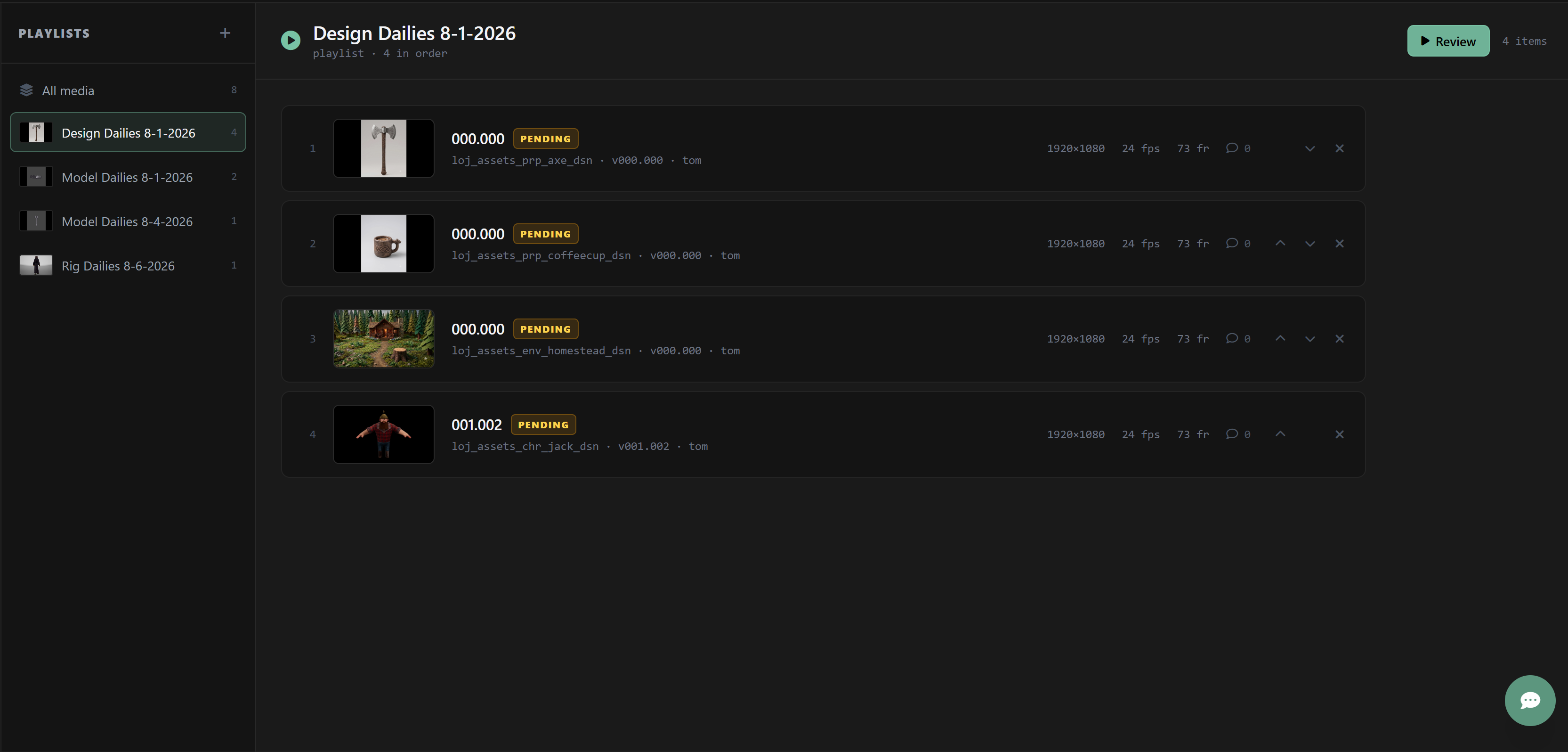
Filtered Playlists
If i want to find all models created on the entire show and add them to a playlist - i should be able to do that. Or any other filter i can think of - everything made in the last 15 days, etc…
Smart Playlists
What if i want a running playlist of every design review - but only the newest submission? And i want that saved and always visible?
View & Playback
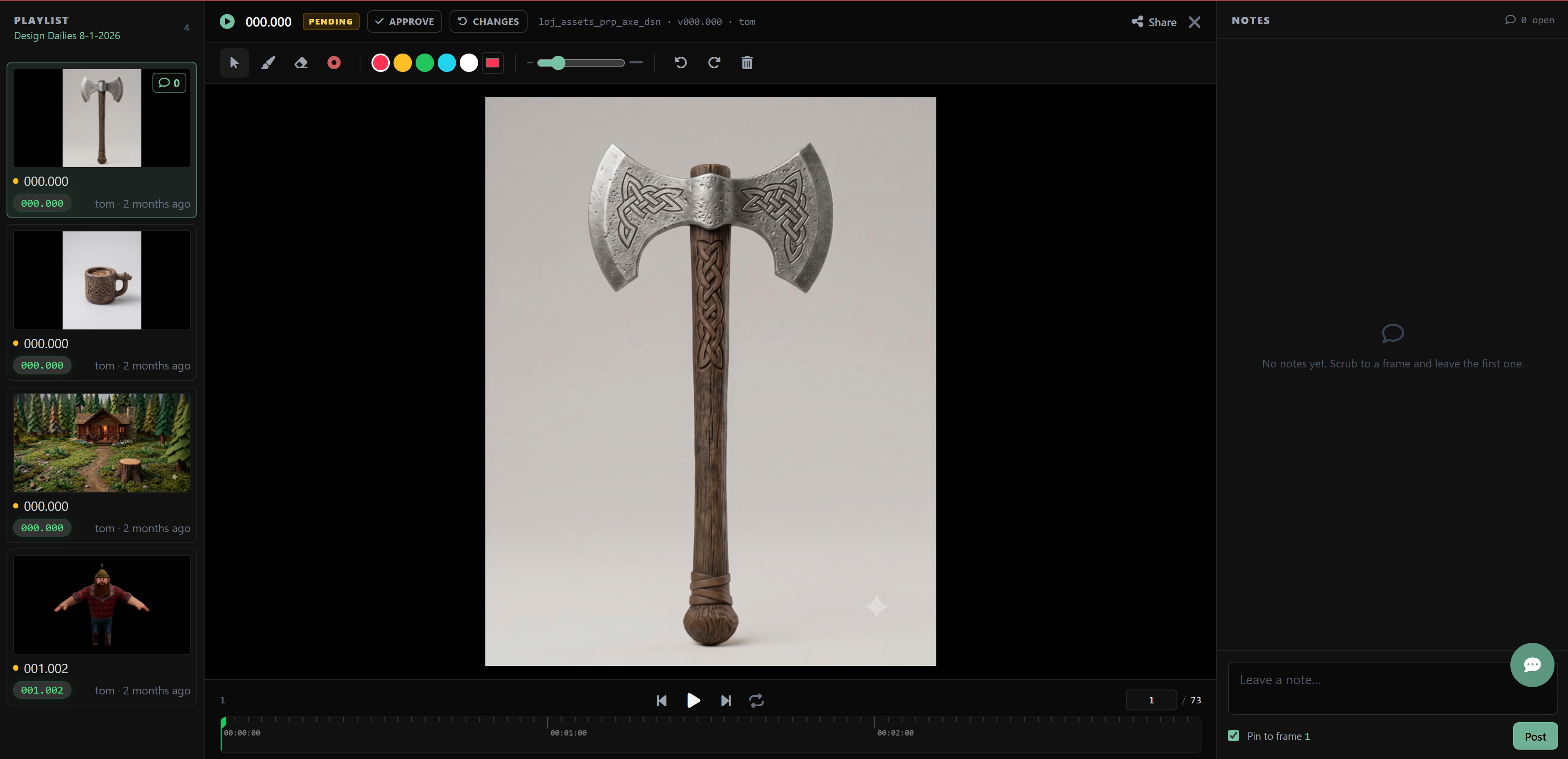
Images
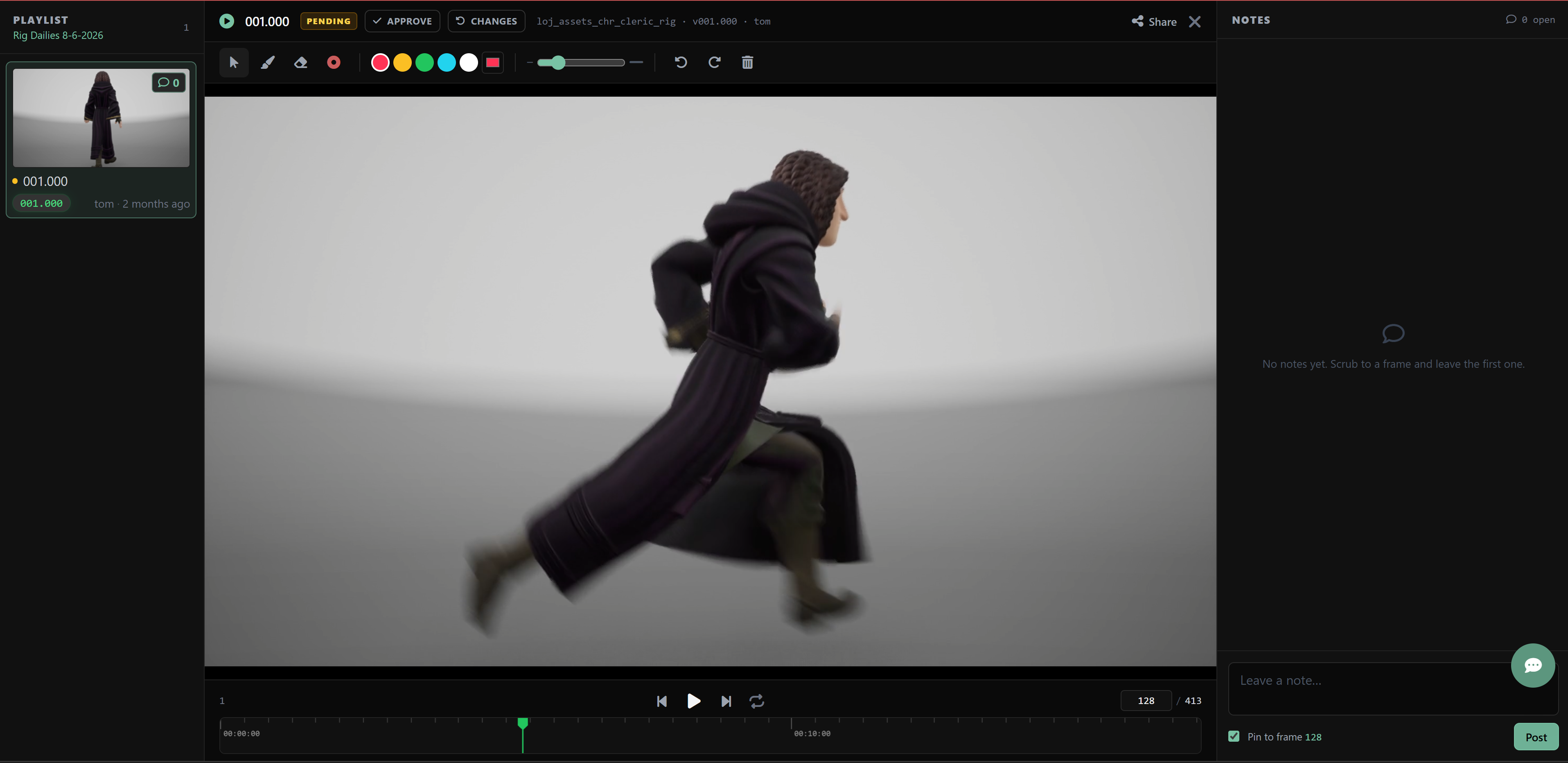
Videos
Models / GLB files
Drawn Notes
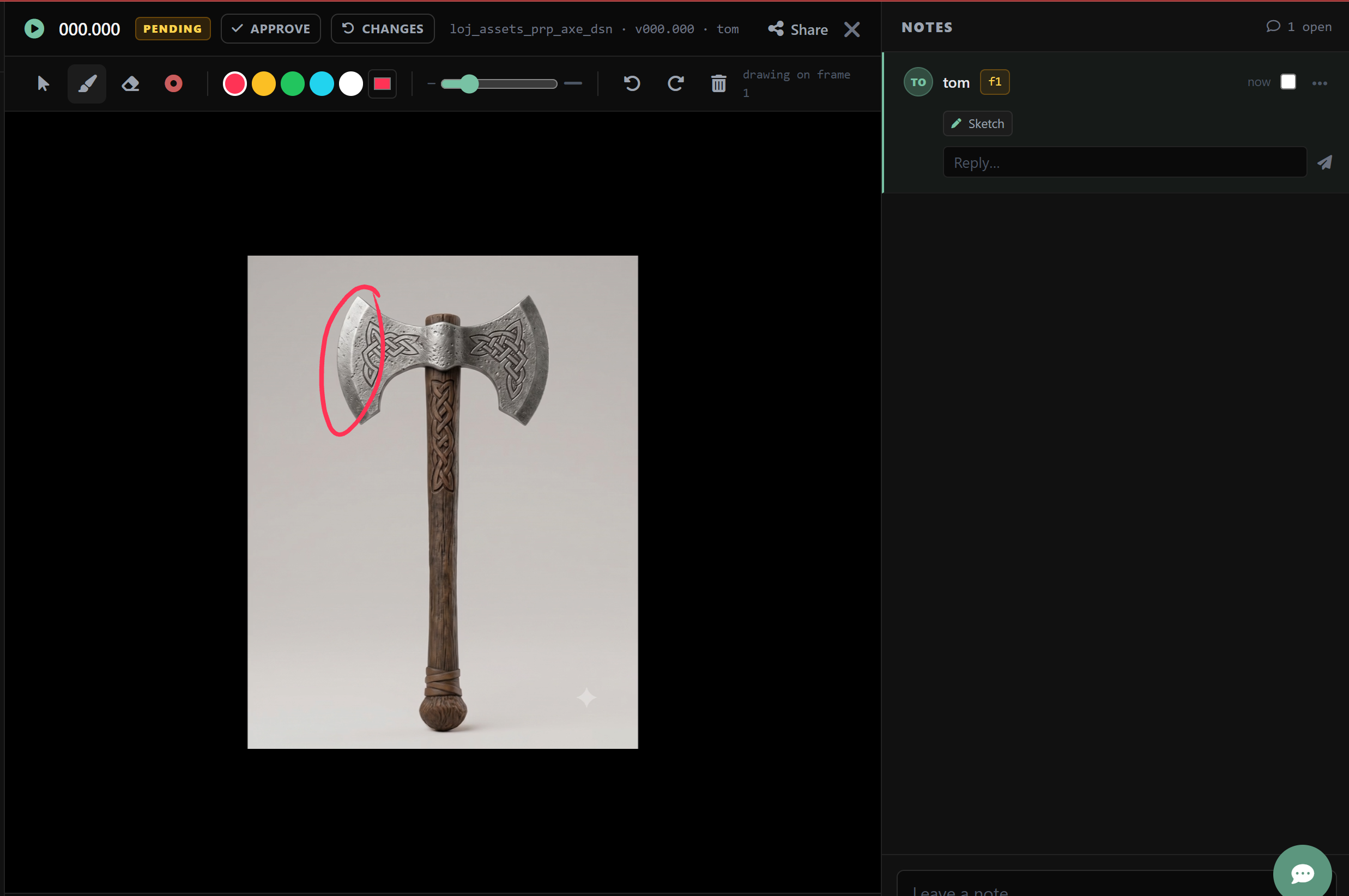
Drawing Tools

Draw

Should handle pressure sensitivity by default (artists use digital pens and expect this)
Erase

Laser Pointer

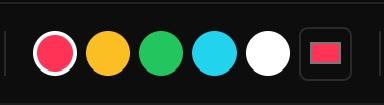
Choose Color
Line Thickness
Undo / Redo
Delete

Notes
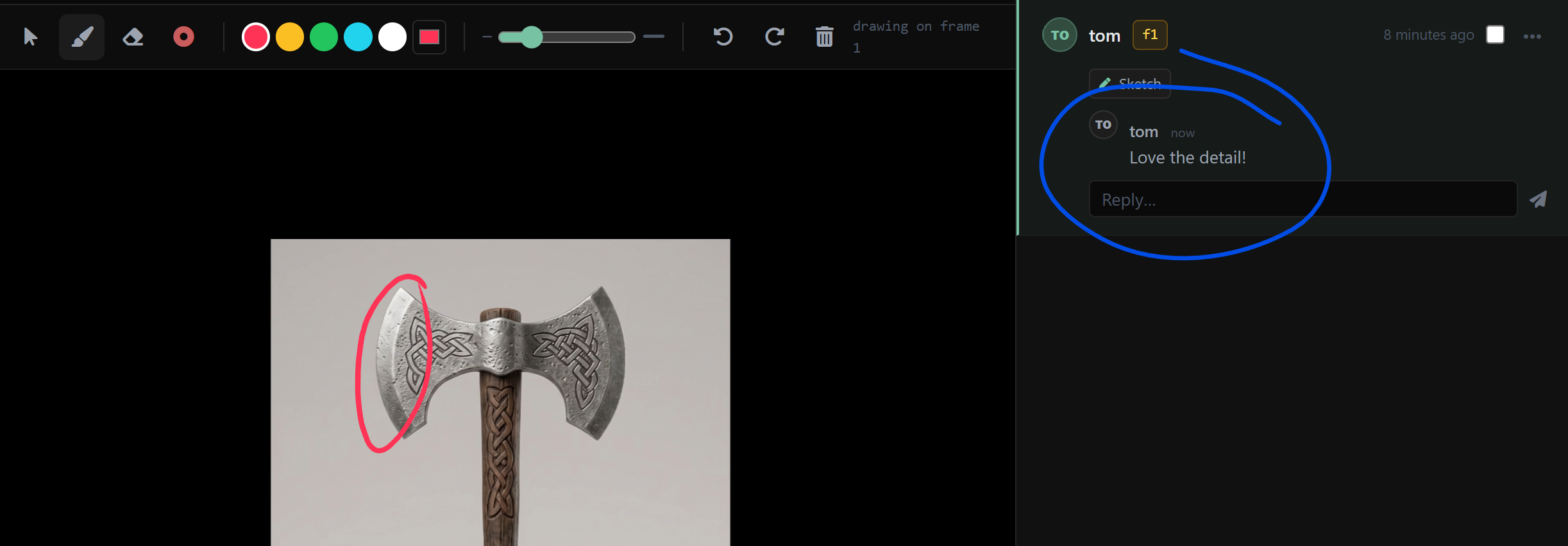
Sketch Notes
Written Notes
Notes → TODO
An artist should be able to easily take notes from a review session and incorporate them as a todo list for their next version.
I do this for myself now just to keep track of what i’m doing.
In editorial for example I’ve even built tools that make the TODO list interactive. Allowing me to jump right to the frame the note was written for. the same can be done for any production task.
TODO tracking system
If you track todo items you have ideas for your next set of features when you look at the patterns in the TODO items.
TODO farming System
You’ll want a way of farming the completed TODO items - this will allow you to see patterns and think of new features based on those patterns.
Farming the TODO system is quite literally what drove me to create the video script templating system I now use for creating videos.